

12 Tasks to Outsource to an Adobe Creative Suite Virtual Assistant
In today’s fast-paced digital landscape, visual content is no longer optional; it’s essential. From eye-catching social media graphics to polished marketing collateral, businesses of every size rely on Adobe Creative Suite to bring their brand vision to life. But mastering Photoshop, Illustrator, InDesign, Premiere Pro, and the rest of the Adobe ecosystem takes time, skill, and ongoing commitment. That’s exactly where an Adobe Creative Suite Virtual Assistant becomes a game-changer.
An Adobe Creative Suite Virtual Assistant is a remote professional trained in the full range of Adobe tools. They can handle your design workload efficiently, freeing you and your in-house team to focus on high-level strategy and business growth. Whether you are a solopreneur, a marketing agency, or an established enterprise, delegating creative tasks to a skilled Adobe Creative Suite Virtual Assistant can dramatically improve your output quality while keeping costs under control.
Not sure which tasks to hand off? Here are 12 high-impact tasks you can confidently outsource today.
Why Hire an Adobe Creative Suite Virtual Assistant?
Before diving into specific tasks, it’s worth understanding the value proposition. Hiring a full-time, in-house graphic designer or video editor is costly. Salaries, benefits, workspace, and software licenses add up quickly. An Adobe Creative Suite Virtual Assistant gives you access to the same level of expertise on a flexible, scalable basis; you pay for the work you need, when you need it.
Additionally, a dedicated Adobe Creative Suite Virtual Assistant stays current with the latest updates, plugins, and best practices across the Adobe ecosystem, so you don’t have to. Now, let’s explore the specific tasks worth outsourcing.
1. Social Media Graphics and Templates
Consistent, branded visuals across platforms like Instagram, LinkedIn, Facebook, and Pinterest are crucial for audience engagement. An Adobe Creative Suite Virtual Assistant can create scroll-stopping graphics using Adobe Photoshop and Illustrator, build reusable templates, and ensure every post aligns with your brand guidelines. This saves you hours each week while keeping your social presence professional and cohesive.
2. Marketing Collateral Design

Brochures, flyers, product catalogues, and promotional posters require both design skill and brand awareness. Your Adobe Creative Suite Virtual Assistant can produce print-ready and digital marketing materials in InDesign and Illustrator, maintaining consistency in typography, color palettes, and layout, all without requiring constant supervision.
3. Photo Editing and Retouching
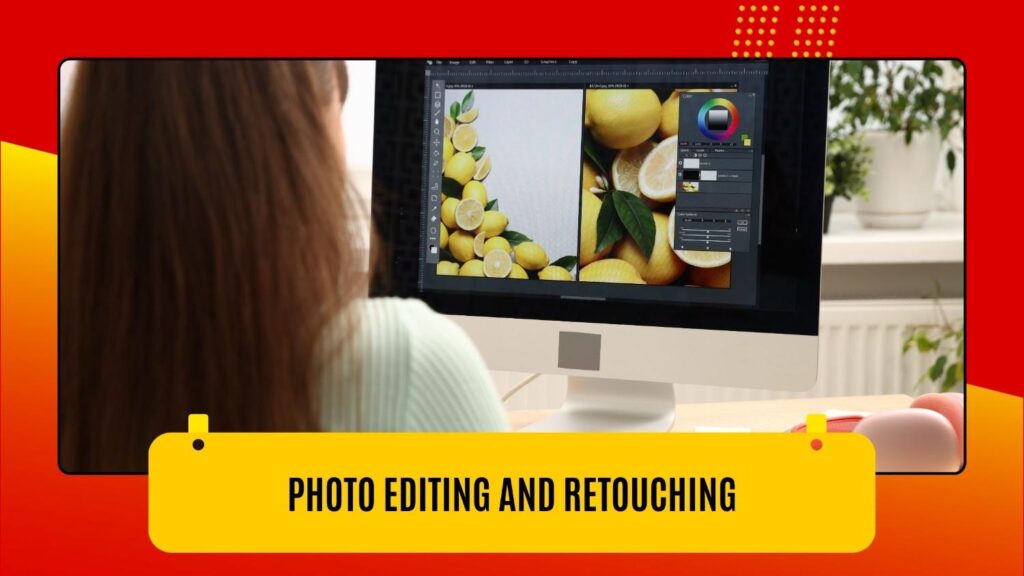
Raw product photos, headshots, or lifestyle images almost always need professional post-processing. From basic corrections like exposure and color grading to advanced retouching and background removal, a skilled Adobe Creative Suite Virtual Assistant working in Photoshop and Adobe Lightroom can transform ordinary images into compelling visual assets that elevate your brand.
4. Logo and Brand Identity Design
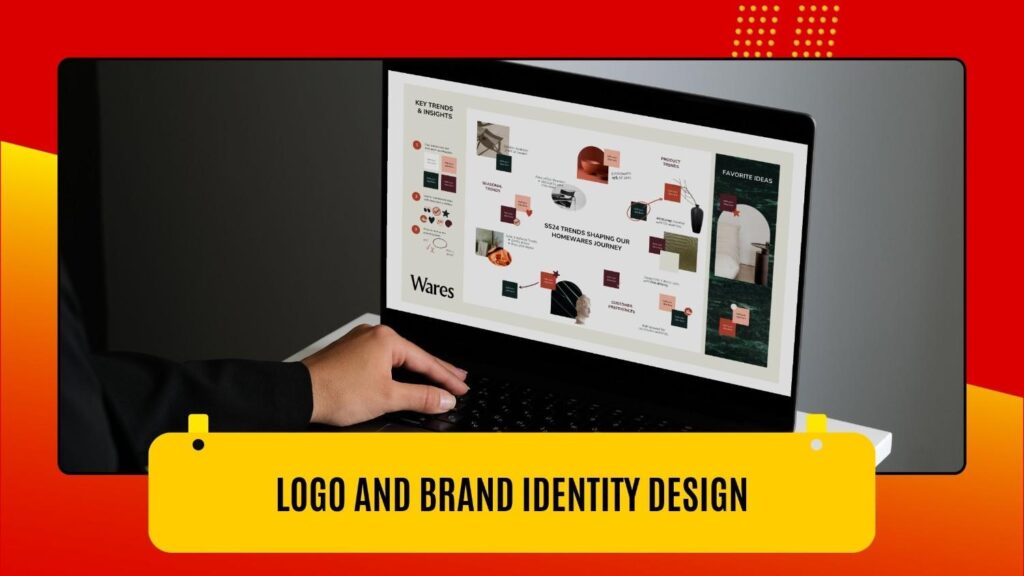
Whether you are launching a new brand or refreshing an existing identity, logo, and brand kit creation is a core strength of any experienced Adobe Creative Suite Virtual Assistant. Using Adobe Illustrator’s vector tools, they can design scalable logos, define color systems, build typography hierarchies, and package everything into a brand style guide your whole team can follow.
5. Email Newsletter Design

Email marketing remains one of the highest-ROI channels available to businesses. But poorly designed emails get ignored. Your Adobe Creative Suite Virtual Assistant can design visually engaging newsletter layouts in Photoshop or InDesign, export optimized assets, and coordinate with your email platform team to ensure everything renders beautifully across devices and clients.
6. Video Editing and Post-Production
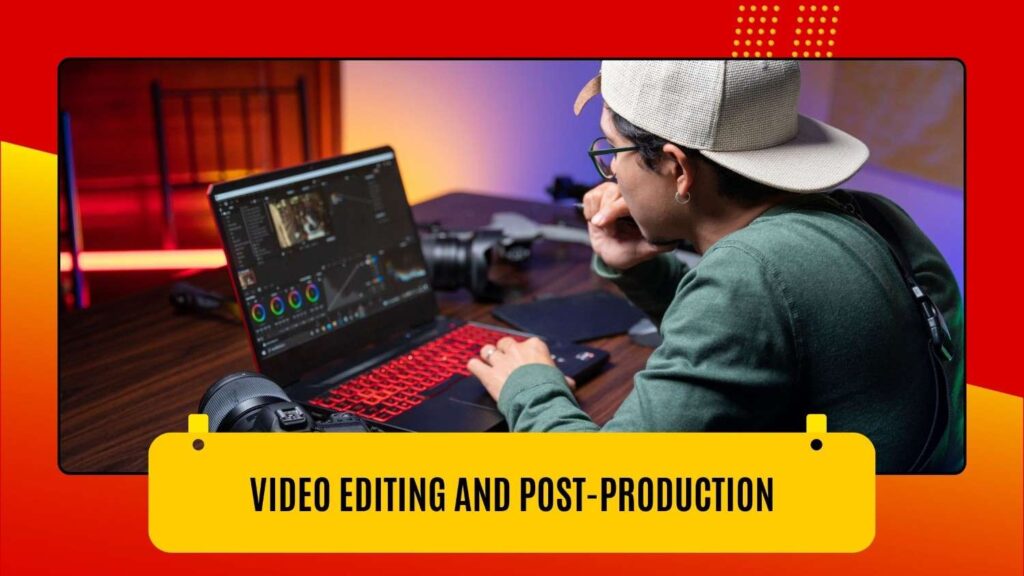
Adobe Premiere Pro and After Effects are industry-standard tools for video editing and motion graphics. From trimming raw footage and adding transitions to creating animated intros, lower-thirds, and branded explainer videos, an Adobe Creative Suite Virtual Assistant with video skills can handle your entire post-production pipeline. This is especially valuable for YouTube channels, product demos, and online course creators.
Also read: Agency vs Video Editing Virtual Assistant: Which Is Better for Short-Form Content?
7. Presentation Design
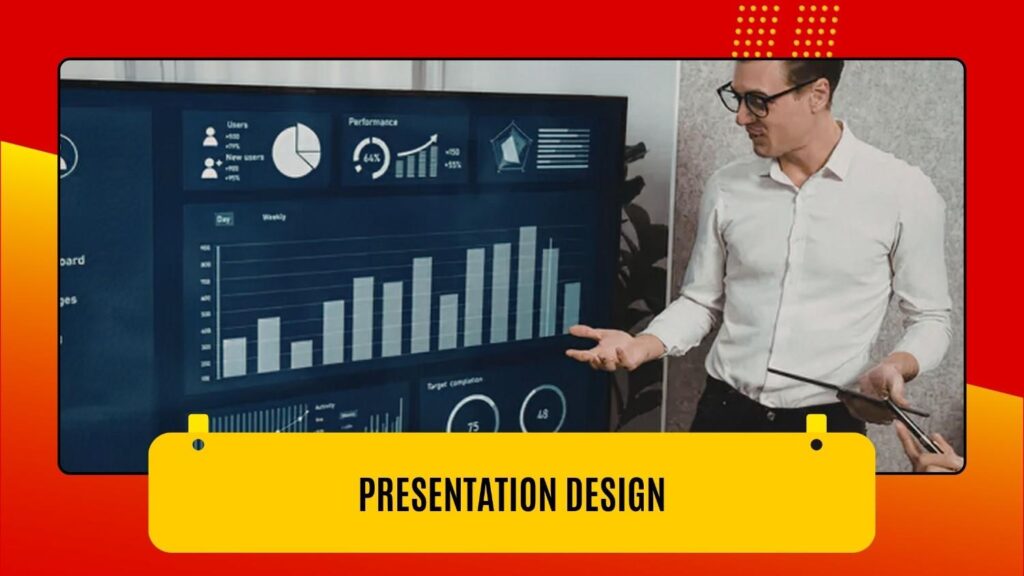
Business decks, investor presentations, and conference slides need to be both informative and visually compelling. An Adobe Creative Suite Virtual Assistant can design polished presentations that communicate your message clearly, using Adobe InDesign or Illustrator to create layouts that stand out from generic templates and reflect your brand’s professionalism.
8. Infographic Creation
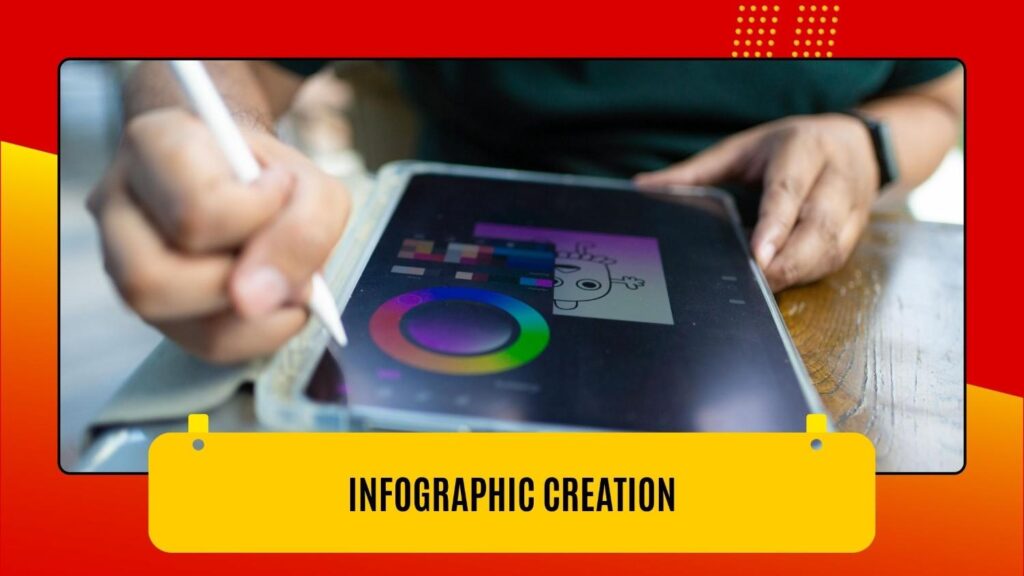
Infographics are among the most shared content formats online. Translating complex data, processes, or concepts into a clear, visually engaging infographic is a task that combines research, copywriting sensibility, and strong design skills. Your Adobe Creative Suite Virtual Assistant can build custom infographics in Illustrator or Photoshop that drive traffic, boost backlinks, and position your brand as an authority.
9. Website Mockups and UI Assets

Before a web developer writes a single line of code, great websites start with a solid visual design. An Adobe Creative Suite Virtual Assistant can produce website wireframes and high-fidelity mockups using Adobe XD or Photoshop, export optimized web assets, and create icon sets and UI components that your developers can implement with precision.
10. eBook and Digital Publication Formatting
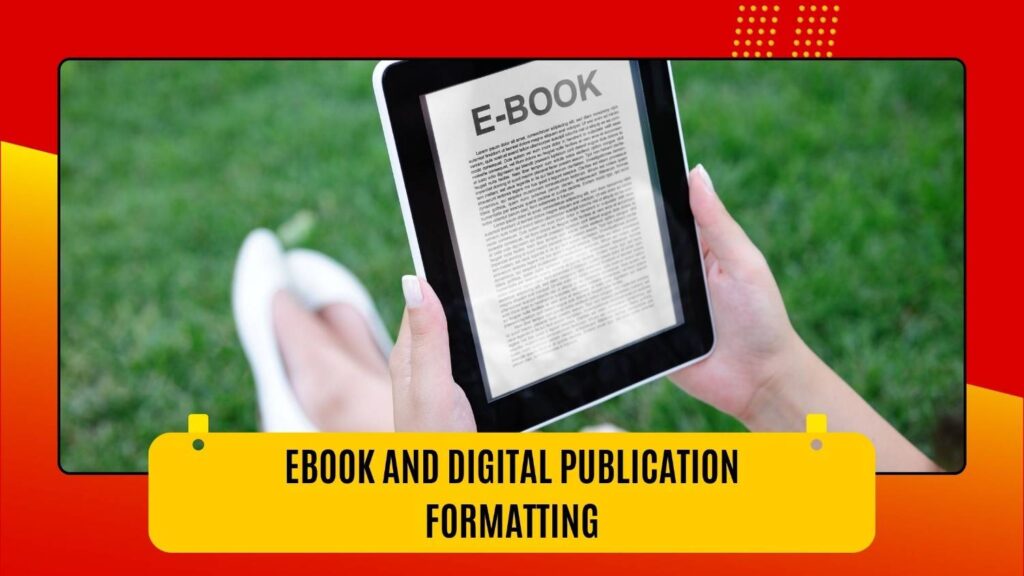
If you produce eBooks, whitepapers, or digital guides as part of your content marketing strategy, an Adobe Creative Suite Virtual Assistant can take your raw content and turn it into a beautifully formatted, print-ready, or screen-optimized PDF using Adobe InDesign. The result is a polished lead magnet that reflects your brand credibility and keeps readers engaged from cover to cover.
11. Ad Creative Production
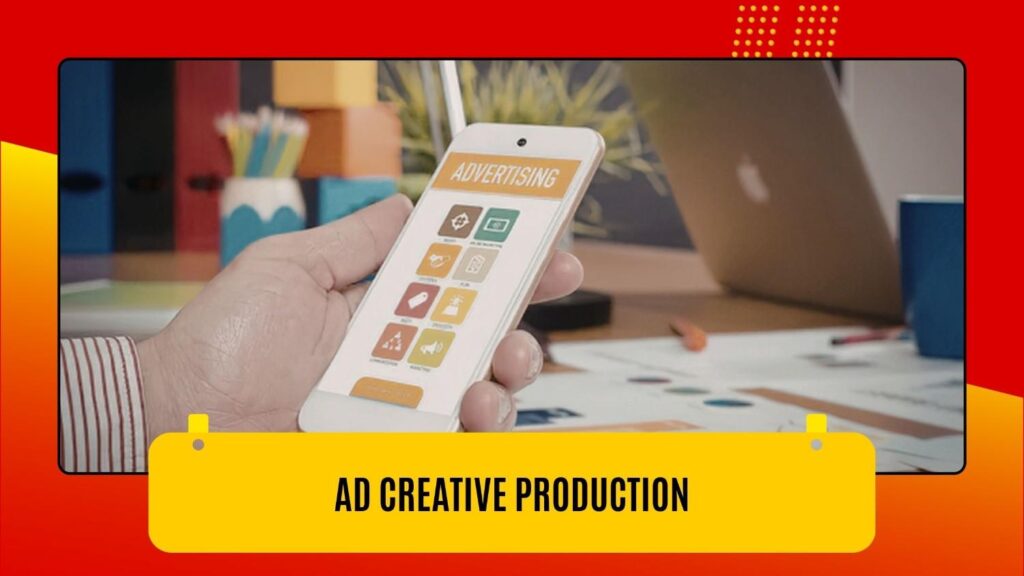
Running paid advertising campaigns across Google, Meta, LinkedIn, and programmatic display networks requires a steady stream of creative assets in multiple sizes and formats. An Adobe Creative Suite Virtual Assistant can produce entire ad sets, static banners, animated GIFs, and video ads, at scale, ensuring every variant meets platform specifications and communicates your value proposition effectively.
12. Brand Asset Management and Organization

A frequently overlooked but critically important task is keeping your creative library organized. An Adobe Creative Suite Virtual Assistant can manage your Adobe Creative Cloud libraries, maintain a structured file naming system, archive outdated assets, and ensure your team can always find the right logo, font, or template version when they need it. This administrative design work prevents costly errors and brand inconsistencies down the line.
What to Look for When Hiring an Adobe Creative Suite VA
Not all virtual assistants are created equal. When evaluating candidates, focus on these key qualities:
- A strong, diverse portfolio demonstrating proficiency across multiple Adobe tools
- Experience in your industry or with similar project types
- Clear communication skills and the ability to interpret creative briefs accurately
- Familiarity with file delivery standards for both print and digital formats
- References or verified reviews from past clients
Ready to move? Hire a creative virtual assistant who is pre-vetted across Photoshop, Illustrator, and InDesign for your specific deliverable types.
Also read: How Much Does an Adobe Creative Suite VA Cost?
How to Get Started
Getting started with an Adobe Creative Suite Virtual Assistant is simpler than you might think. Begin by auditing your current creative workload and identifying which tasks consume the most time or require specialized skills you don’t have in-house. Then, document your brand guidelines so your new VA can hit the ground running. Finally, start with a defined project or trial period to evaluate fit before committing to a long-term engagement.
The right Adobe Creative Suite Virtual Assistant can become one of your most valuable extended team members. This creative partner understands your brand voice and consistently delivers work that drives results.
Conclusion
Outsourcing creative work to an Adobe Creative Suite Virtual Assistant is a smart, scalable solution for businesses looking to produce more high-quality content without stretching their internal resources thin. From social media graphics and video editing to ad creatives and brand asset management, the 12 tasks outlined in this guide represent significant opportunities to reclaim your time and elevate your brand.
Ready to find your perfect Adobe Creative Suite Virtual Assistant? Book a free discovery call at virtual-staffing.com today and let us match you with a pre-vetted creative professional who can start delivering results for your business right away.