Maintaining Brand Consistency with Remote Design Teams
You have a brand guide. It lives in a Google Drive folder somewhere. Your remote designer does their best to follow it, but the Instagram post looks slightly different from the LinkedIn graphic, the font weights don’t quite match, and the colours on the latest campaign are close but not right. Nothing is wrong exactly. It just isn’t consistent, and brand consistency is harder to maintain than it looks when your design talent is distributed.
This is one of the most common friction points for businesses working with distributed design talent, and it’s harder to untangle than it looks.
Why Brand Consistency Matters More Than You’d Expect
Consistent branding isn’t just an aesthetic preference. Research from Marq found that consistent brand presentation across channels can increase revenue by up to 23%. More practically, audiences build trust through repeated visual recognition. When your posts look coherent, they signal that the business behind them is coherent too.
Volume makes this harder on social platforms. A business active on Instagram, LinkedIn, Facebook, and Pinterest may need 20 to 30 branded assets per week. HubSpot’s 2024 State of Marketing Report found that 82% of marketers say maintaining consistent visual content increases overall content value. Without a tight system, drift is inevitable.
And most brand inconsistency problems aren’t caused by poor designers. They’re caused by poor systems. Designers work with whatever reference material they have. If that material is scattered, outdated, or ambiguous, the output reflects it.
Where Brand Consistency Breaks Down with Remote Design Teams
In-house designers absorb brand context passively. They sit in meetings, hear brand discussions, and pick up on tone from the environment. Remote design teams don’t have that. They work from what you give them, which means the quality of what you give them matters a lot.
The failure points tend to be predictable:
- Unclear briefs: “Make it look on-brand” tells a designer almost nothing. Which elements apply? What’s the goal? Who’s the audience?
- Fragmented assets: Logos in one folder, fonts in another, colour codes in a Slack thread from three months ago. Remote designers waste real time just locating the right files.
- Vague or delayed feedback: “Can you make it pop more?” isn’t actionable. Delayed feedback forces guesswork on revisions, which creates more revisions.
- Version confusion: Without a single source of truth, designers may work from outdated templates or old logos without realising it.
- No structured onboarding: Many businesses hand a new VA a brand guide PDF and assume it’s sufficient. It rarely is, especially if the guide isn’t current or detailed enough to cover every situation.
Fixing these isn’t about micromanaging. It’s about removing the ambiguity that currently makes inconsistency the easier path.
Building a Canva Brand Kit Workflow That Holds
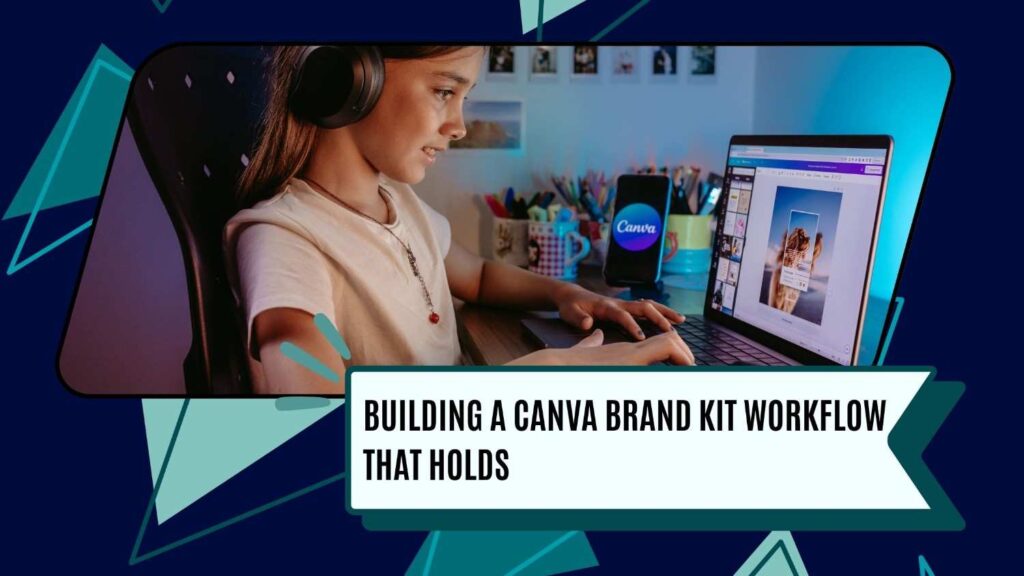
Canva’s Brand Kit stores your colours, fonts, logos, and imagery guidelines in one place, and every template your team builds pulls from it automatically. Done right, brand consistency becomes the default rather than something you have to police.
The setup matters, though. What makes this work as an operational system rather than just a folder:
- Set it up precisely: Upload every approved logo variation: full colour, reversed, icon-only. Define your exact HEX codes. If your brand colour is #1A3C5E, that’s what goes in, not “something close to navy.”
- Build a locked template library: Create templates for every recurring asset type: Instagram square, Instagram story, LinkedIn post, Facebook cover, email header. Lock elements that shouldn’t change and clearly mark what’s editable.
- Use a shared team workspace: All work lives in a shared Canva account, not a designer’s personal account. If a VA moves on, your templates stay with the business.
- Document rules inside the templates: Add a note layer or companion brief explaining what each element is, when to use it, and what’s off-limits. “Always use the dark logo on light backgrounds. Never place the logo over a busy image” is more useful than a general style guide nobody reads.
- Version-control all updates: When brand assets change, update the master templates immediately and notify your team. Archive old versions rather than deleting them.
The practical effect is that designers stop making judgment calls about which blue to use or whether a font is approved. The system answers those questions before a mistake can happen.
Structuring Communication to Protect Brand Consistency

Good tooling handles the asset problem. Communication handles the interpretation problem. Even with a solid brand kit in place, remote designers still need to understand the intent behind each piece of content.
A few structural changes help a lot here:
- Standardised brief templates: Every request should include the platform, the goal, the copy or copy direction, the target audience, and reference examples. A five-minute brief prevents a 48-hour revision cycle.
- Weekly check-ins: Even 20 minutes gives remote designers a chance to flag confusion before it becomes a delivered asset that misses the mark.
- Visual feedback tools: Use Loom or Markup.io to annotate designs directly. Faster and clearer than describing visual changes in text.
- Specific feedback language: Instead of “this doesn’t feel right,” say “the headline font is too light for the dark background, switch to the bold weight from Template B.”
Onboarding New VAs Properly
The work you do in the first week with a new remote design team member shapes most of what follows. A proper onboarding process eliminates most brand consistency problems before they start.
That means: a walkthrough of the brand kit and template library, examples of both approved and rejected past work (showing both matters more than showing only the good ones), a short test brief to let the designer demonstrate understanding before going live, a clear escalation path for brand decisions they’re unsure about, and a recorded Loom walkthrough of your brand guidelines they can reference later.
This takes a few hours upfront. It pays for itself the first time you avoid a full revision cycle on work that just missed the brief.
Also read: Identify Tasks You Can Afford to Outsource
Other Tools Worth Integrating

Beyond Canva, a few tools work well alongside this kind of workflow:
- Notion or ClickUp for housing brand guidelines, brief templates, asset request forms, and feedback history. One searchable place for everything.
- Loom for screen-recorded walkthroughs. A five-minute video explaining the template library is worth more than a 10-page PDF.
- Markup.io for visual annotation directly on images and PDFs. Much faster than describing text changes.
- Slack or Teams with a dedicated channel for design questions. Keeps communication organised and creates a searchable record of brand decisions.
- Air or Frame.io for teams handling large volumes of video or photography beyond what Canva manages.
What Systems Can’t Fix
Good systems solve most brand consistency problems, but not all of them. Judgment calls still need a person. When a brief is ambiguous, when a new platform requires an unanticipated format, when something technically follows the rules but still feels wrong, that’s where brand intuition matters; no workflow substitutes for it.
This is why the strongest remote design setups pair solid infrastructure with designers who have been properly onboarded and actually understand the brand, not just its visual rules. If you are still building that foundation, see how our Canva and brand-consistent designers help growing businesses get the structure right from day one.
Also read: How Can We Run A One-Person Agency With the Help of Remote Staff? Explaining the Economics involved
Brand Consistency Starts with Better Systems
Brand consistency doesn’t come from telling your team to be consistent. It comes from building an environment where consistency is easier than drift. If brand drift keeps recurring despite having good designers, the problem is rarely the designers. It’s the system they’re working inside.
Start with the brand kit. Audit your templates. Standardise your briefs. Brand consistency follows from there.