The 10-Step Podcast Booking Workflow for Scaling Guest Bookings
If you run an interview podcast, you already know the uncomfortable reality: the conversation is the easy part. Prospecting, pitching, following up, scheduling, and chasing down headshots can eat 80% of your production time. Manual management works fine early on. But spreadsheets and buried email threads become a real bottleneck as your show grows. A proper podcast booking workflow lets you attract better guests while spending less time on logistics.
A smooth guest experience also matters for reputation. High-profile guests notice when the process is sloppy, and a clean, frictionless booking process is part of what convinces them to say yes. Automation handles the repetitive parts, but you’ll still need human judgment for edge cases and relationships. That’s where a VA makes the biggest difference, not in replacing the system, but in running it daily.
Step 1: Define Your Ideal Guest Profile (IGP)

Before you build a process, you need to know who you’re targeting. Generic outreach wastes time and signals to experienced guests that you haven’t done your homework. Start by defining your Ideal Guest Profile (IGP).
Write down your criteria:
- What expertise does your audience actually want right now?
- What tier of guest are you targeting — established names, rising voices, niche experts?
- Are there timing hooks worth pursuing (book launches, funding announcements, recent press coverage)?
Turn this into a one-page “Guest Criteria” document. Your VA uses it to source and qualify leads so only relevant prospects enter the pipeline.
Step 2: Build a Centralised CRM for Your Podcast Booking Workflow

You can’t track guest status in your inbox. You need a centralised CRM (Customer Relationship Management) system specifically tailored for your podcast booking workflow. Set up a CRM in Notion, Airtable, or Trello with a Kanban board covering the full guest lifecycle:
- Prospect (identified, not yet contacted)
- Pitched
- Follow-up 1 and 2
- Booked
- Recorded
- Published
- Promo sent
Your VA does daily status updates. No card sits in one column for a week without a reason.
Step 3: Craft Modular Pitch Templates

High-profile guests get a lot of podcast pitches. Yours needs to be short, specific, and focused on what they get out of it. Build a template where the core stats and show description stay consistent, but the opening is personalised. Reference something recent and specific: a talk they gave, an article they wrote, a product they just launched. End with a low-friction ask — “Are you currently accepting podcast interviews?” beats “Would you like to book a time on my calendar?”
Your VA researches the personalised hook for each prospect and populates the templates before sending.
Step 4: Implement Outreach Automation Software
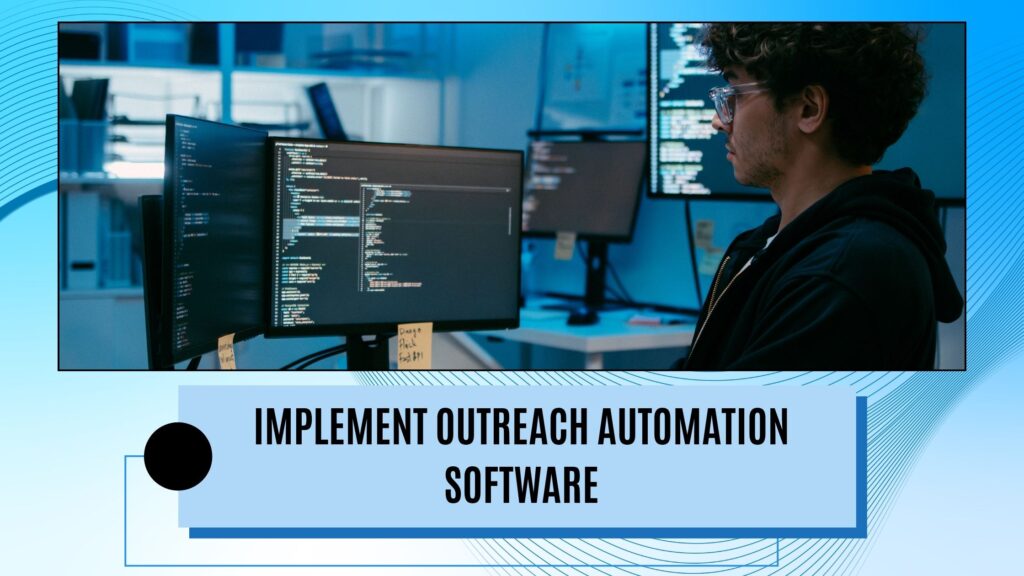
Tools like Lemlist, Instantly, or Mailshake let you schedule a sequence: initial pitch, follow-up after four days, another after seven — stopping automatically when someone replies. Most people who eventually say yes do so on the second or third touchpoint. Set this up once, and you’re not manually chasing every lead. Your podcast guest booking VA loads the prospect list, monitors deliverability, and catches bounces or anything that needs a manual response.
Step 5: Integrating Scheduling with Smart Booking Links
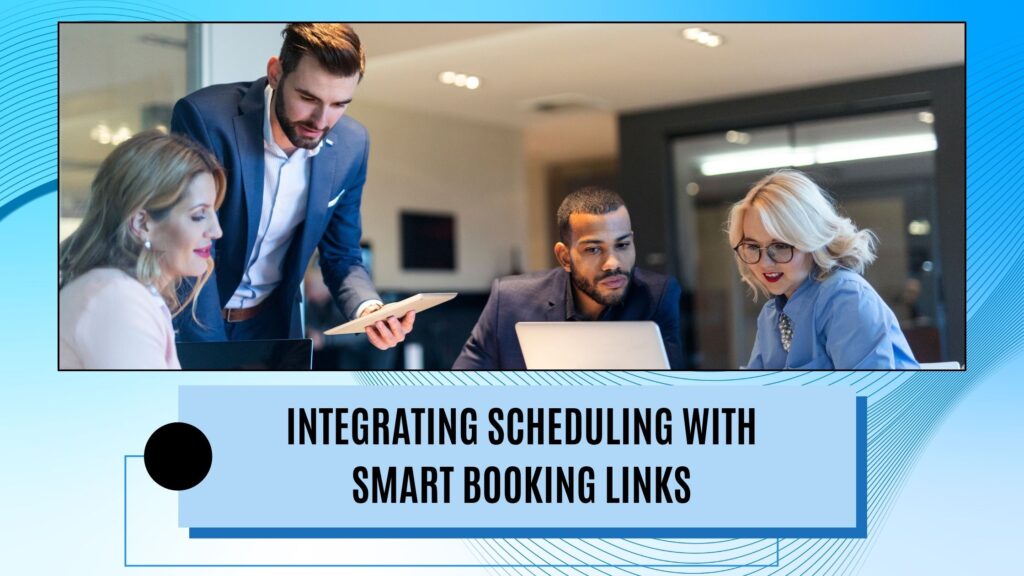
“What time works for you?” can start an email chain that runs for days. Use Calendly, SavvyCal, or Acuity instead. Set up a dedicated event type for podcast interviews and configure it to:
- Show slots only during your recording blocks
- Convert times to the guest’s timezone automatically
- Generate a recording studio link on Booking
- Require 48 hours’ notice minimum
Once a guest says yes, you send one link. Your VA handles exceptions: guests who can’t find a suitable slot, reschedule requests, and unusual timezone situations.
Step 6: Automate the Onboarding and Asset Collection
The moment someone books, trigger an intake form. Chasing down headshots and bios the day before recording is avoidable with a little setup.
Ask for:
- Bio in their own words, exactly as they want it read
- High-resolution headshot
- Website and social links
- Current project or book they want to mention
- Shipping address if you send gifts
Your VA monitors completions and follows up on gaps well before the recording date.
Step 7: Activating the VA: The Critical Pipeline Handover
Steps 1–6 are the machinery. This step is about who actually runs it. Your time is most valuable in the recording session — preparing smart questions, making the guest feel at ease, and being present enough to follow interesting threads. Spending that time on LinkedIn prospecting or chasing intake forms is a trade-off most hosts don’t consciously make; they just end up in the weeds.
A VA who owns the pipeline sourcing leads, loads the outreach tool, handles initial replies, tracks what’s missing, and removes you from that loop. The research and conversation are yours. The follow-up chasing doesn’t have to.
Also read: How Can We Run A One-Person Agency With the Help of Remote Staff? Explaining the Economics involved
Step 8: The Pre-Interview Briefing and Tech Check

Walking in underprepared is obvious to the guest. Build a system where a one-to-two page briefing lands in your inbox 48 hours before each session, covering:
- Guest bio and phonetic name pronunciation
- Links to their best-performing content
- What they’re currently promoting
- Three to five questions that they probably haven’t been asked on other shows
Also send an automated tech check reminder three days out: dedicated microphone, headphones, quiet room. Most guests won’t think about this unless you prompt them. Your VA compiles the briefing and sends the tech check.
Step 9: Automate Post-Interview Follow-Up and Asset Delivery

Guests won’t promote your episode if you make it hard. Do the work for them. When an episode publishes, trigger a delivery package containing:
- Graphics sized for each relevant platform
- A short video clip or audiogram with their best quote
- Pre-written social copy they can post without editing
Use Zapier to connect your podcast host to your CRM so this fires automatically on publication. Your VA oversees delivery and writes the social copy tailored to each guest’s platform.
Step 10: Optimising Your Podcast Booking Workflow through Data

Treat your guest pipeline like a sales funnel and review three numbers:
- Pitch conversion rate: If fewer than 10–15% of pitches get a yes, your template or your targeting is off.
- Show-up rate: Frequent cancellations usually mean your reminder sequence needs work.
- Share rate: If guests rarely post your assets, the assets may need redesigning for the current platform formats.
Your VA pulls these monthly. You make the calls on what to fix.
Conclusion
A podcast that consistently books good guests runs on process. Define who you want, build a system to find and pitch them, automate the follow-up sequences, hand the daily management to a VA, and use the recovered time to prepare for your actual interviews.
The setup is a few weeks of real work. After that, it mostly runs without you.